

How matching works
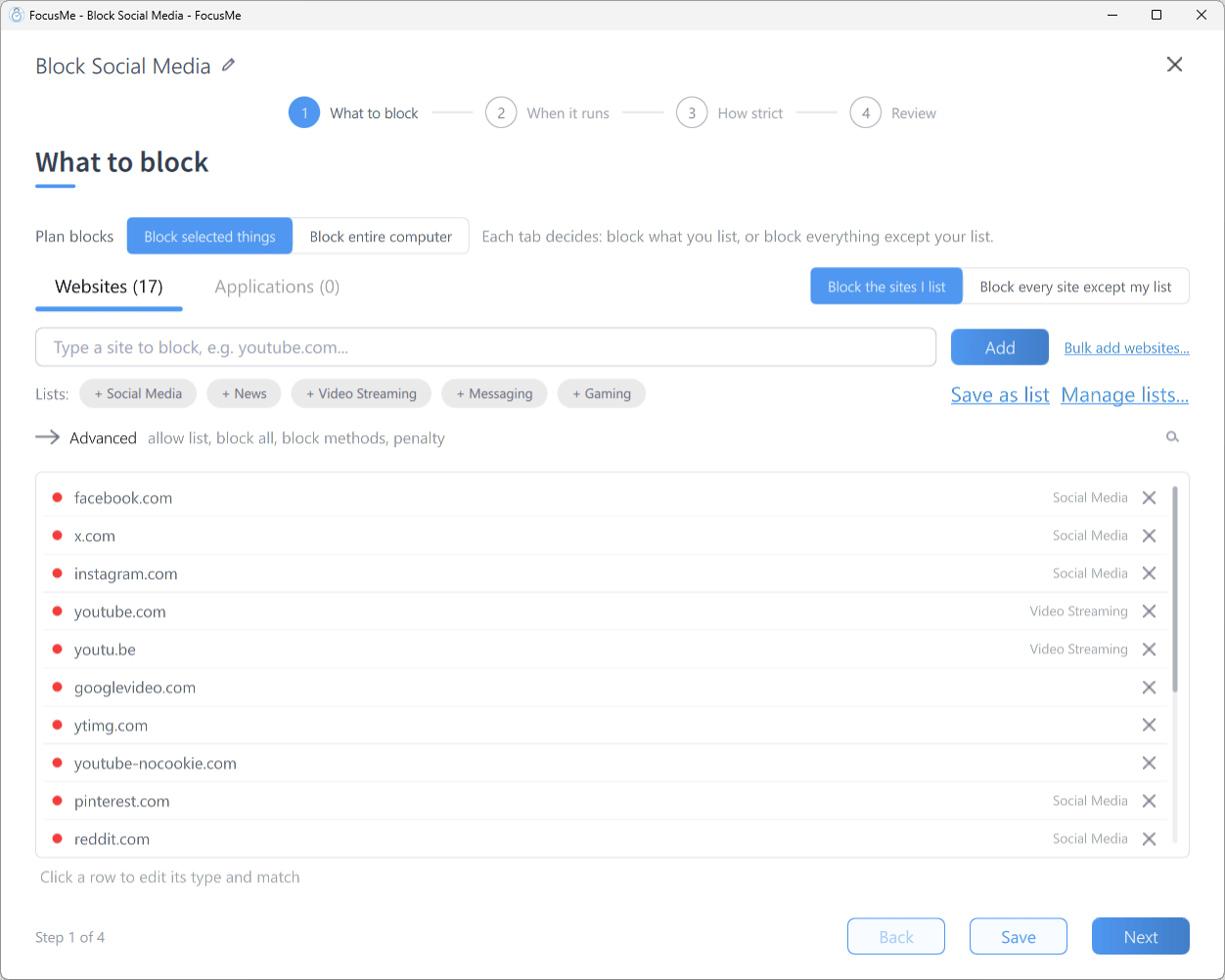
Step 1 What to block: click a row to edit its type and match
Addresses are compared without
https:// or www., so write entries without them.
Method 1: Block a section by path
Type the path you want blocked into the add row. It is added as a Website address with Contains:reddit.com/r/gaming. Everything else on those domains stays available.
Method 2: Block the domain, allow a section
For the reverse, block the whole site and put the section you need on the allow list. Allow list entries always take priority over the block list.- On What to block, with Blocked selected, add
facebook.com - Switch the segmented control to Allowed and add
facebook.com/messages - Click Next and finish the wizard as usual
If you try to add the same entry to both lists, FocusMe tells you it is Already on the allow list, which takes priority. or Already on the block list. and offers to move it.
Method 3: Matching on page titles
A Page title only entry is checked against the page title, and an Address or page title entry against both the title and the address. Add the word, then click its row and change the type. Either type catches content whose address is unpredictable:Shorts— blocks YouTube Shorts wherever they appearReels— blocks Instagram Reels- The name of a show or game