Mornings often start with a flurry of activity as we react to emails, social media, and other distractions even before enjoying our first cup of coffee. With the help of FocusMe’s tools, you can create a morning routine that sets a positive tone for the rest of your day.

Your Perfect Morning Schedule

8:00 - 8:15 a.m. | Reset & Prime

Begin your morning by identifying your top three priorities for the day. This simple planning step signals your brain to focus and reduces decision fatigue.

8:15 - 9:45 a.m. | Deep Work Block 1 with FocusMe

Dedicate this time to tackling your most important task, whether it’s a study session, project work, or problem-solving. Use FocusMe’s Pomodoro Timer (3x25 min work + 5 min breaks) to maintain focus, and block all distractions like social media and email.

9:45 - 10:00 a.m. | Break & Recharge

Take a break to step away from screens. Move around, breathe, or grab a snack to restore energy and prevent cognitive fatigue.

10:00 - 11:15 a.m. | Deep Work Block 2 with FocusMe

Continue with your important projects or shift focus to secondary tasks. This session is perfect for students to review notes or solve problems, and for professionals to create or strategize.

11:15 - 11:30 a.m. | Mindful Reset

Engage in a quick walk, meditation, or journaling session. Review your progress on the day’s top priorities to transition smoothly into lighter tasks.

11:30 - 12:00 p.m. | Shallow Work & Planning with FocusMe

Conclude your morning by handling lighter tasks such as emails and scheduling. This wraps up your productive morning, leaving you ready for a well-deserved lunch.

Setting Up Deep Work Block 1

Step 1: Create a new plan

Open FocusMe and click Add a Plan.

Step 2: Choose your plan type

Select Stay Focused as your plan type and click Next.

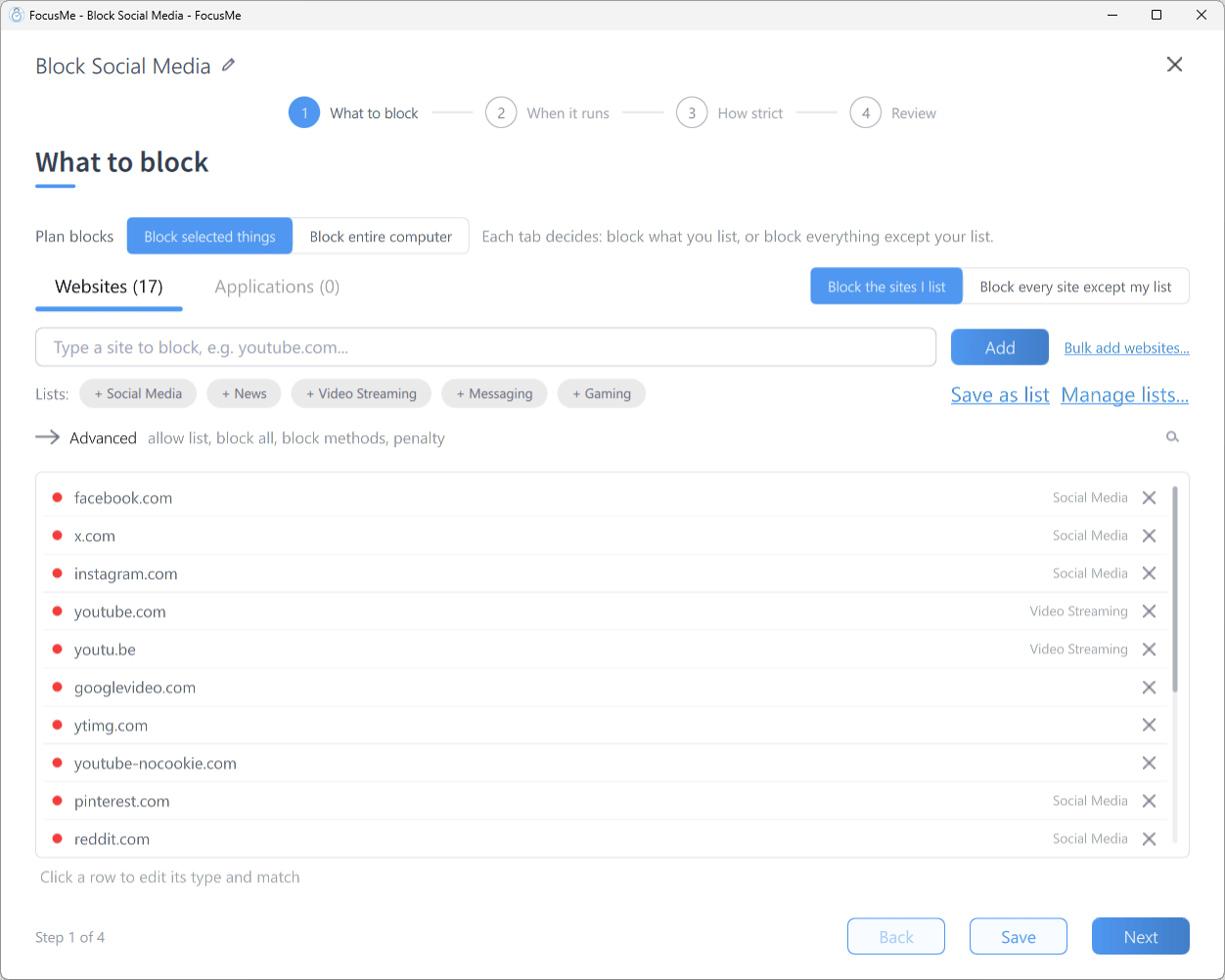
Step 3: Add websites to block

Add the websites you want to block during deep work (social media, email, news, etc.). Use the Allow List tab for any websites you need access to.

Step 4: Add applications to block

Repeat for applications - block any distracting apps you want to keep closed during deep work.

Step 5: Set up the Pomodoro timer

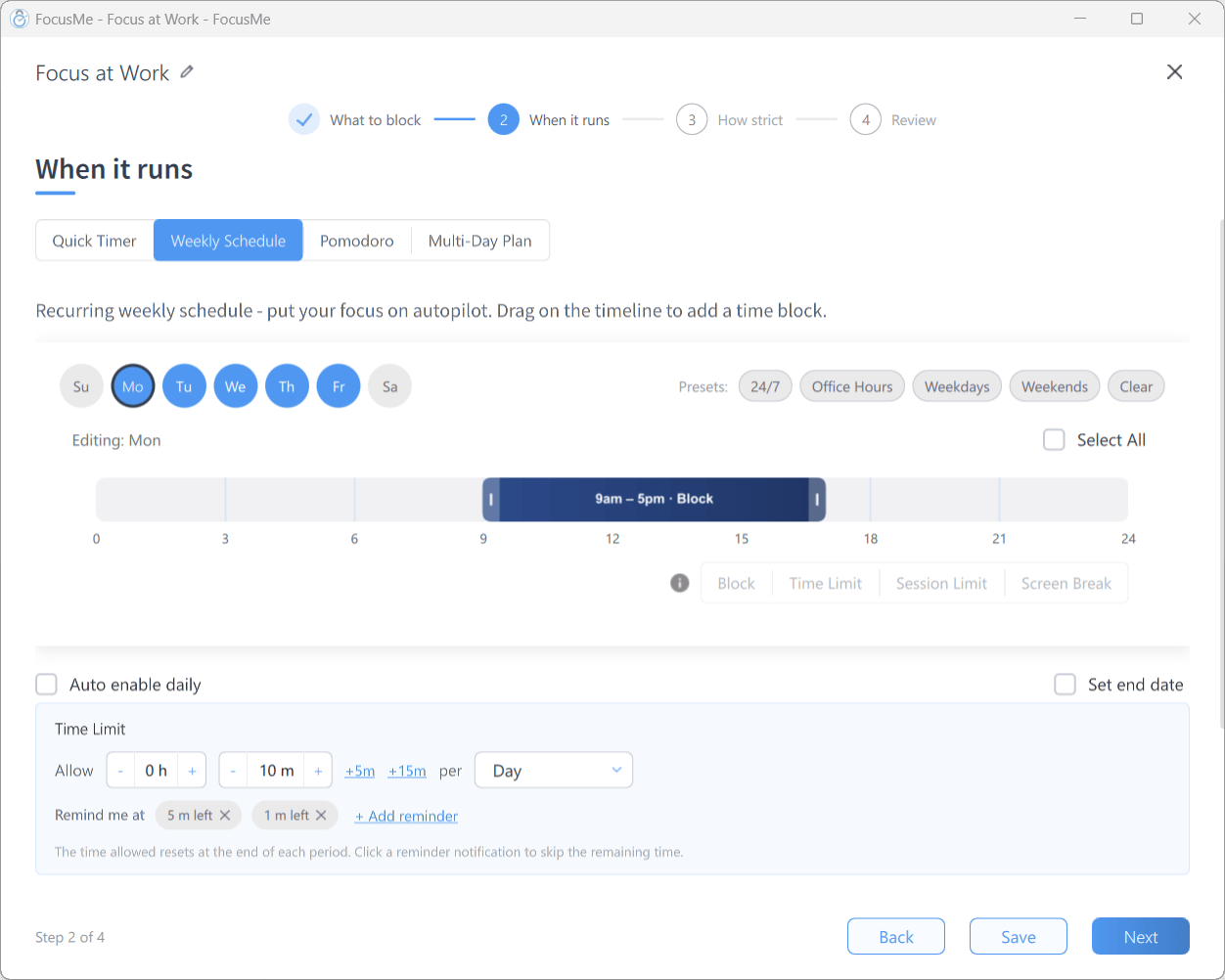
Select Pomodoro as your timing mode and configure as follows:
SettingValue
Pomodoro count3
Pomodoro duration25 minutes
Short break duration5 minutes
Pomodoros per set3
Scheduled StartMon-Fri at 08:15
Enable Wait for User so the plan waits for you to begin.

Step 6: Set protection

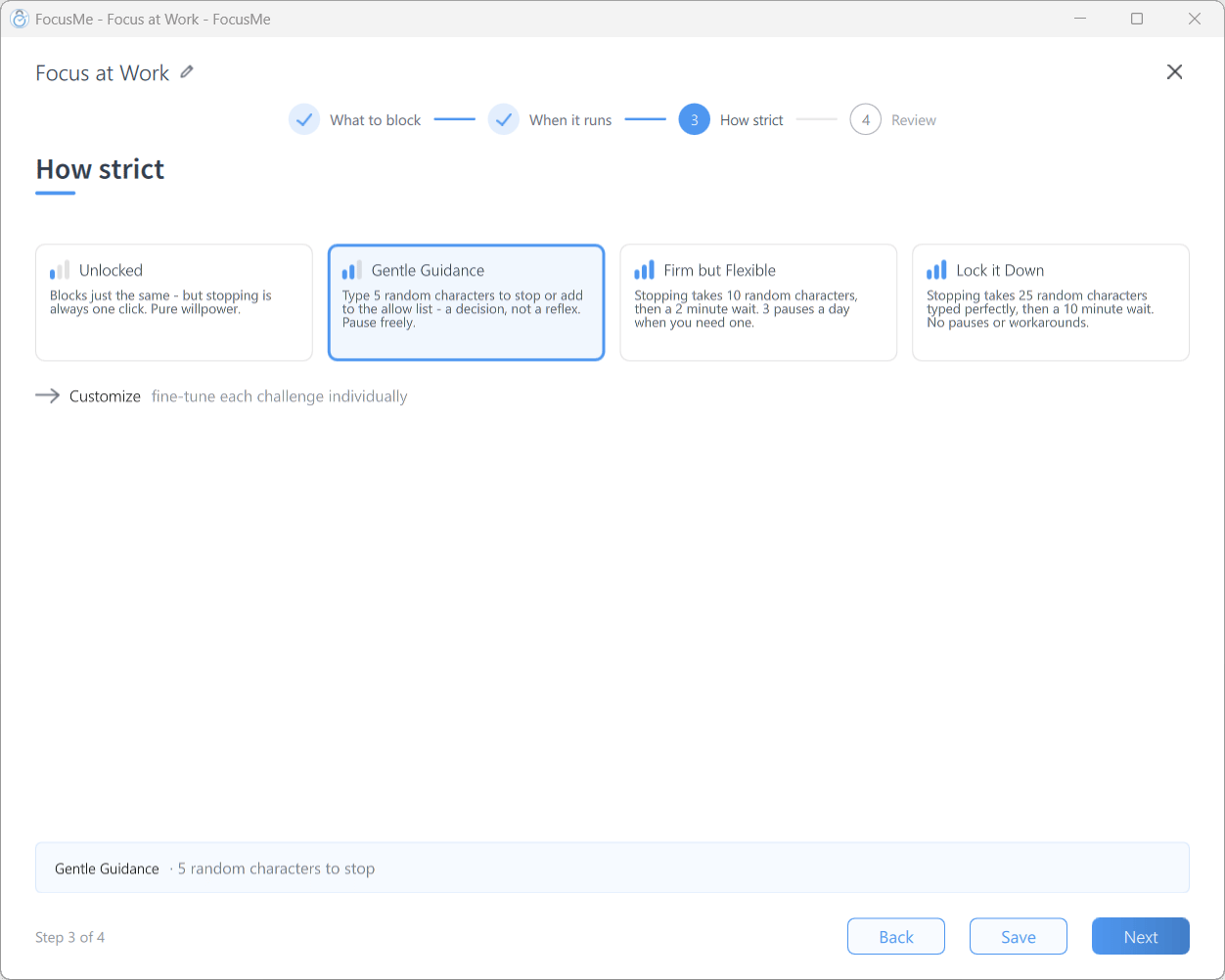
Choose a challenge that will be applied if you try to stop the plan early. Random Chars (8) is a good default - it requires you to type 8 random characters to stop the plan, giving you time to reconsider.

Step 7: Name your plan

Label the plan so it’s easy to find on your dashboard.
  • Plan Name: Deep Work Block 1
  • Description: Runs Monday - Friday 08:15 - 09:45

Setting Up Deep Work Block 2

Repeat the same steps as Deep Work Block 1, with these changes to the Pomodoro settings:
SettingValue
Pomodoro count2
Pomodoro duration30 minutes
Short break duration7 minutes
Pomodoros per set2
Scheduled StartMon-Fri at 10:00
  • Plan Name: Deep Work Block 2
  • Description: Runs Monday - Friday 10:00 - 11:15

Setting Up the Shallow Work Timer

Step 1: Create a new Stay Focused plan

Follow the same steps as above: Add a Plan > Stay Focused > Next.

Step 2: Configure block and allow lists

Add websites and applications to block, but keep your email and calendar on the Allow List for this lighter work block.

Step 3: Set the timer

Select Timer as your timing mode (instead of Pomodoro) and set the duration to 30 minutes.

Step 4: Protection and naming

Set your protection level, then name the plan:
  • Plan Name: Shallow Work
  • Description: To start at 11:30am daily (Monday - Friday)

Embrace the power of FocusMe to help you stick to your routine and achieve your goals. By following this structured approach, you can transform your mornings into a time of productivity and calm.