

Block YouTube Shorts only
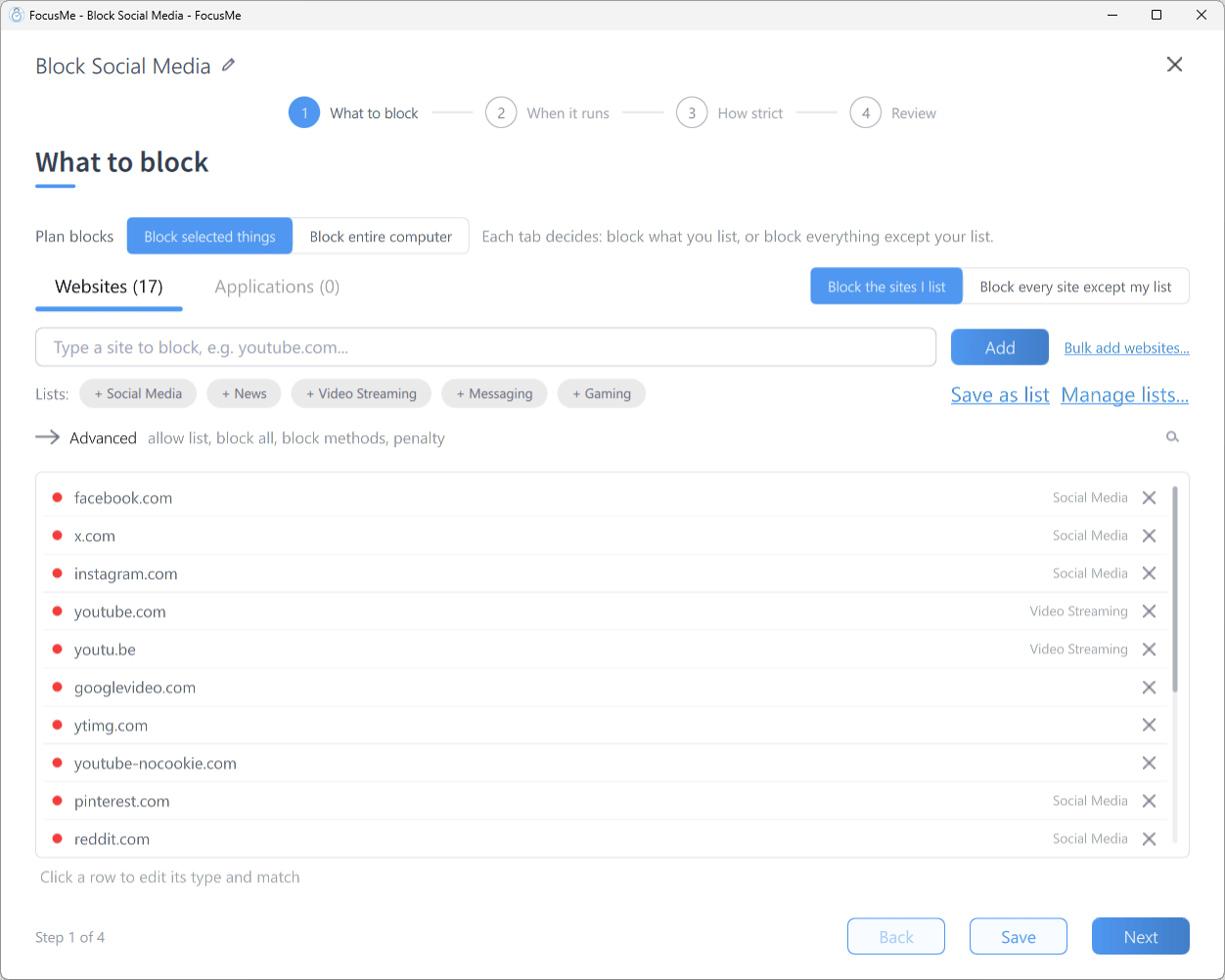
Step 1 What to block, with a partial URL entry on the block list
- Click Add a Plan and name the plan
- On What to block, stay on the Websites tab, type
youtube.com/shortsinto the add row and click Add - Click the new row to open its inline editor and check that the type is Website address and the match is Contains
- Click Next and choose a schedule, pick a How strict preset, then click Create & Enable on Review
With a Contains match,
youtube.com/shorts catches the Shorts feed and every individual Short (youtube.com/shorts/abc123), on m.youtube.com too. Ordinary pages such as youtube.com/watch?v=... are not affected because the entry includes the path.Catch Shorts by page title
YouTube also surfaces Shorts on the home page and in search results. To catch them wherever they appear, add a second entry that matches the page title:- Type
Shortsinto the add row and click Add - Click the row and change its type to Address or page title