

The Free Trial
FocusMe starts as a 14-day trial with every feature available. While the trial runs, a card at the bottom of the sidebar reads Free trial · N days left (or Free trial ends today), with an Upgrade button and a Have a license? Activate link. In the last few days FocusMe also reminds you with a Trial Ending Soon notification. The trial is tied both to the computer and to your account, so reinstalling FocusMe or logging in on another computer does not start a fresh trial. If a trial has already been used on the computer you will see A free trial has already been used on this device.Activating by Logging In
When you purchase FocusMe, the licence is attached to the email address you used. Logging in with that account is all that is needed: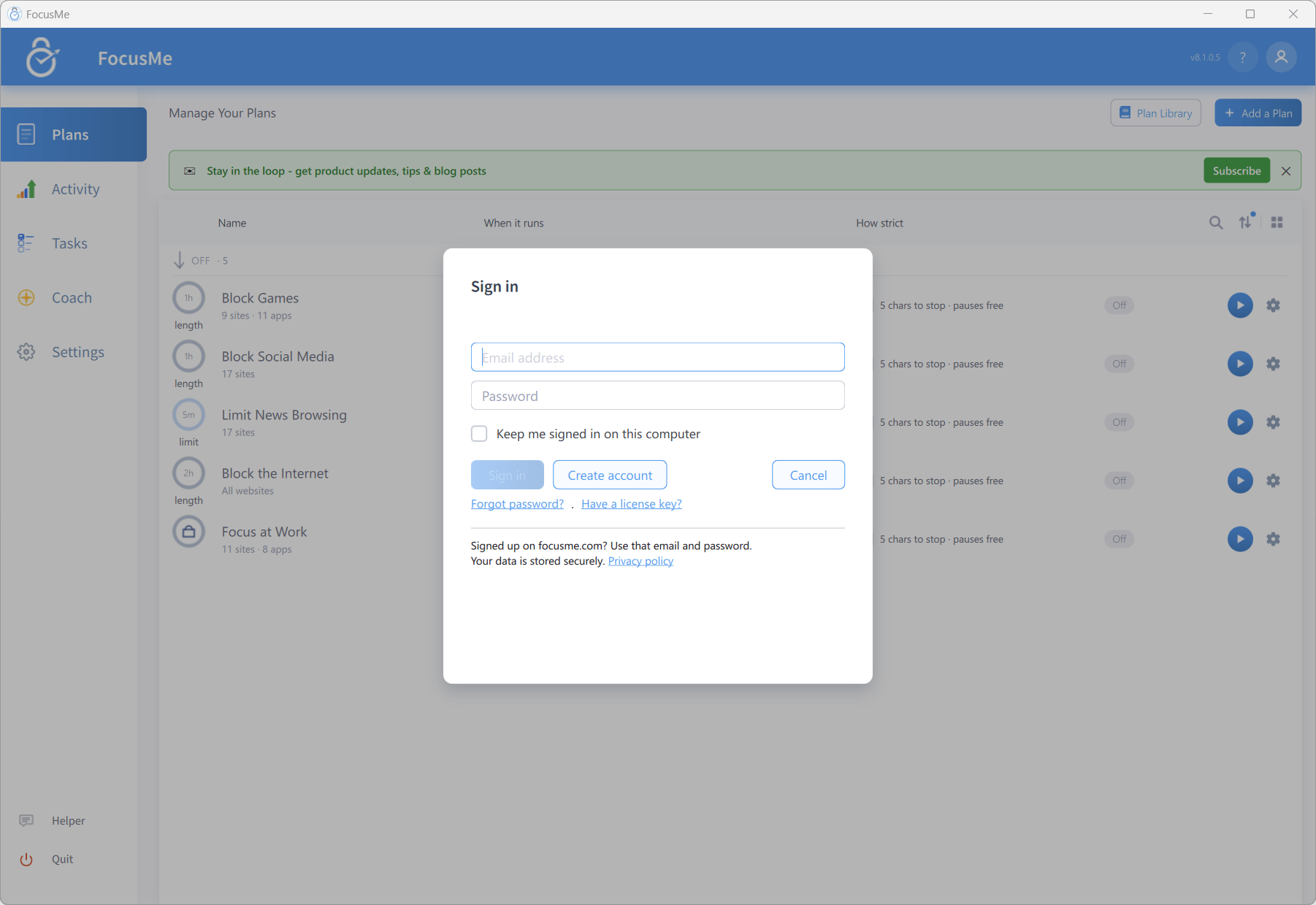
Signing in to FocusMe
- Click the account icon at the top right of the window and choose Sign in
- Enter your Email address and Password, then click Sign in
- FocusMe confirms with License successfully validated!
Activating with a Licence Key
If you were given a key rather than an account — a reseller purchase, a gift, a team licence — use Activate:- Click the account icon and choose Activate a license (or click Have a license? Activate on the trial card). The Activate a license dialog opens (Enter the email the license was bought with.), with Sign in instead if you’d rather sign in
- Enter your Email address and your key in the License key (if known) field
- Click Activate
Having trouble? The dialog offers Trouble activating? Please contact support or try offline activation. — the contact support link opens a ticket, and offline activation opens the dialog described next.
Offline Activation
For a computer that cannot reach the internet, click offline activation in the Activate dialog to open Offline Activation:- Go to focusme.com/activate on another device
- Enter your email or key there, together with the Hardware ID shown in the dialog (click Copy to copy it)
- Paste the generated code into Paste Activation Code: — it is a long string starting with
eyJ - Click Activate