

Supported Browsers
Open Settings → Browsers. The Browser Addon (Recommended) row shows a button for every supported browser that is installed on your computer; clicking a button opens the right extension store in that browser.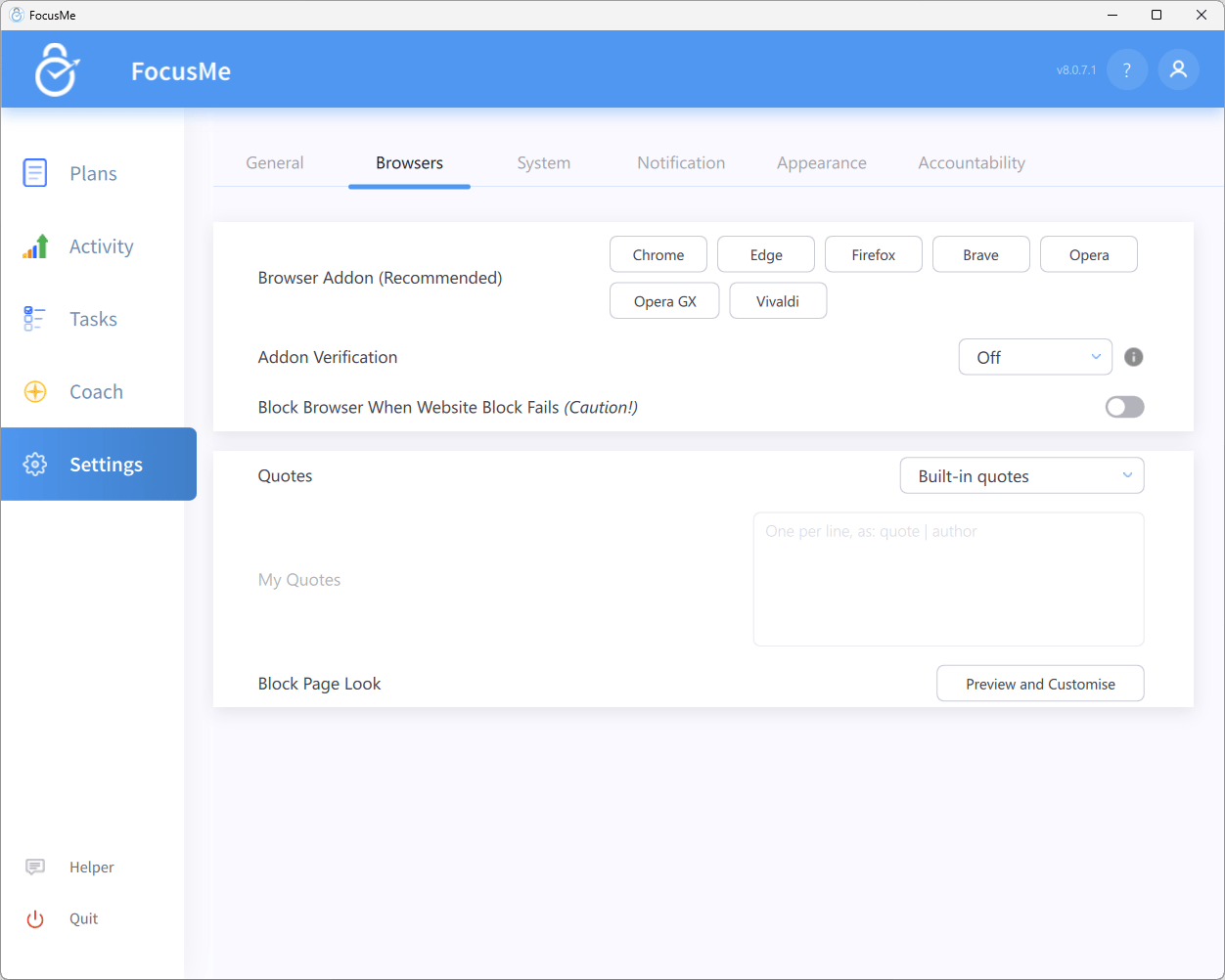
Settings → Browsers — addon buttons, Addon Verification and Block Page settings
FocusMe also recognises other Chromium- and Firefox-based browsers such as Arc, Yandex, Whale, DuckDuckGo, Slimjet, Mullvad and Aside. They do not get their own button, but the Chrome or Firefox addon installs into them from the matching store.
Browsers that only run inside another app (embedded web views) are not treated as browsers and do not need the addon.
Installation
- Open Settings → Browsers and click the button for your browser
- The browser opens on the FocusMe addon’s store page — click Add / Install
- The FocusMe icon appears in the browser toolbar (pin it if you like)
- The addon connects to the desktop app automatically — no configuration is needed
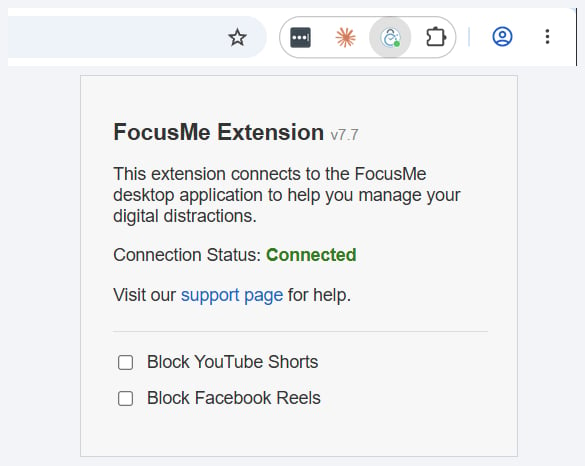
The FocusMe addon in the browser toolbar, with its status dot, and the popup showing the installed version and connection status
The install offer
You do not have to remember to install it. When you use a browser without the addon for a short while, FocusMe shows a Browser Addon notification — We recommend the FocusMe addon for Chrome - it gives the most accurate website blocking and time tracking. — with Install addon and Not now buttons. If a plan is already running the wording changes to warn you that the plan may not block accurately in that browser. If an addon that used to be connected disappears, the notification instead offers Check extensions (opens the browser’s extensions page so you can re-enable it) and Reinstall.Checking the Connection
Click the FocusMe icon in the toolbar. The popup shows the addon version and its status:
The toolbar icon carries a small coloured dot that mirrors this status, so you can see at a glance whether the browser is protected.
The popup also has two quick toggles, Block YouTube Shorts and Block Facebook Reels, which block those short-form feeds in this browser without editing a plan, plus a link to the support page.
Incognito and Private Windows
Browsers disable extensions in Incognito / InPrivate / Private windows unless you allow them. Open your browser’s extensions page, find FocusMe and enable Allow in Incognito (Chrome-based browsers) or Run in Private Windows (Firefox-based browsers). Without this, FocusMe cannot see which site a private window is on; under the Standard and Strict verification levels it will warn you — Browser will be closed soon - the URL cannot be verified. If using Incognito/InPrivate, please enable the extension for private browsing. — and then close the window.Addon Verification
The Addon Verification setting in Settings → Browsers decides what FocusMe does when its addon cannot see which website you are on. Click the info icon next to it for the same summary inside the app.
What you will see under Basic and Standard is a countdown notification — Addon is not found. Browser will be blocked in N seconds. — with an Install addon button. Install the addon before the countdown ends and nothing is closed.
Strict goes further:
- Unverified tabs are closed within a couple of seconds, and the addon install page is opened for you
- The countdown is remembered across restarts, so quitting the browser does not reset it
- Block Browser When Website Block Fails is forced on (the setting shows Always on while Addon Verification is set to Strict.)
Related Browsers settings
The Block Page
When the addon blocks a site it replaces the page with the FocusMe block page — Time To Focus and a motivational quote.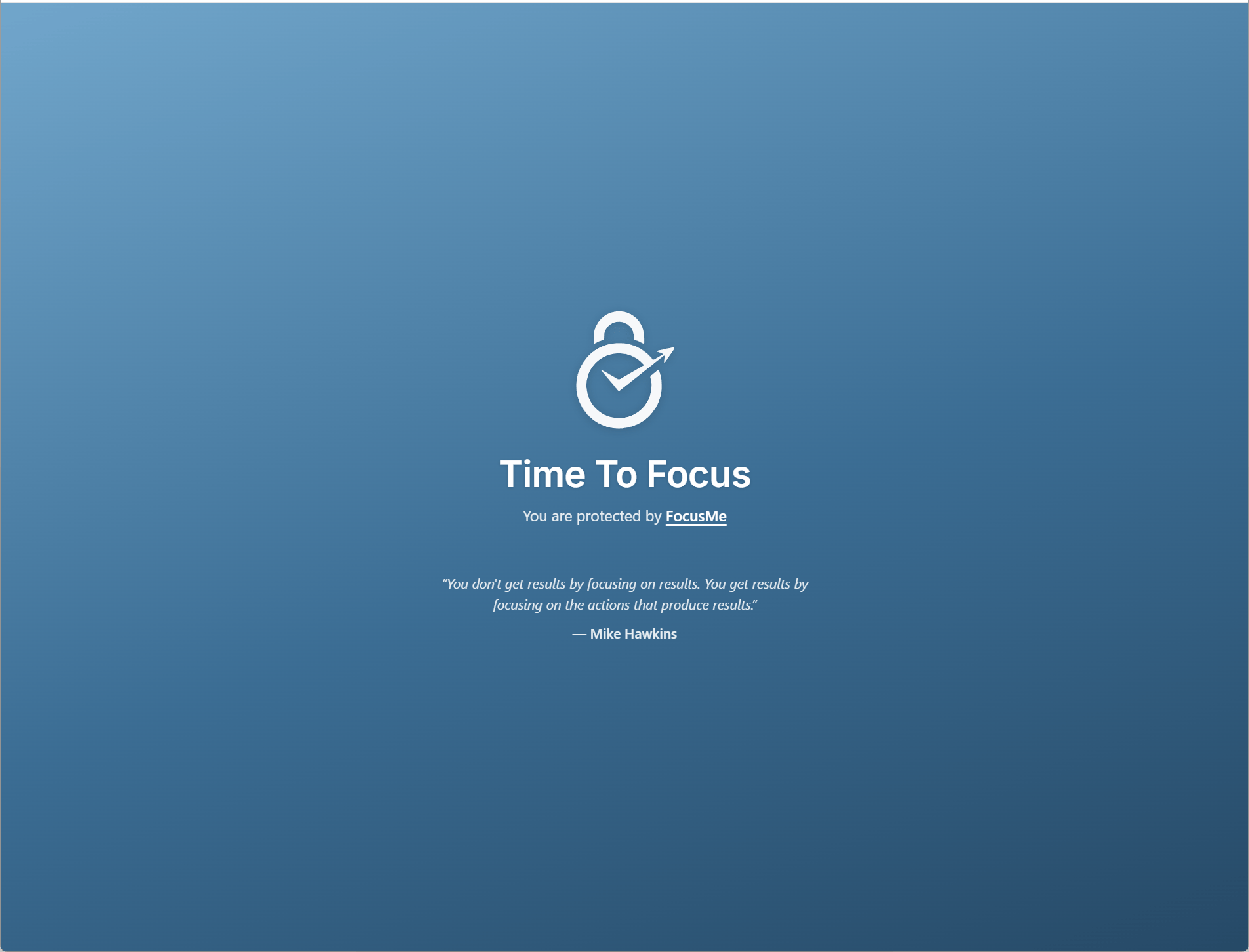
The block page shown in the browser
Customising the page
Click Preview and Customise under Block Page Look in Settings → Browsers to open the block page in your browser and adjust its look:- Classic / Dark / Custom colour swatches set the background — pick Custom colour to choose any colour
- Your message (optional) adds a line of your own text to the page
- Done closes the drawer
Block Page rows
The block page rows in Settings → Browsers control the quotes and opens the page for customising:
You can also set the plan’s website action to Close the tab, Open new tab or Go to home in the wizard’s Advanced → Blocking behaviour panel if you would rather not see a block page at all. See Blocking Websites.
Safari (macOS)
The Safari addon is distributed through the Mac App Store as FocusMe for Safari. Click Safari in Settings → Browsers to open it, install it, then enable the extension in Safari → Settings → Extensions. See the macOS page.Linux and Flatpak Browsers
Firefox-based browsers installed as Flatpaks — Firefox, Zen, LibreWolf — work with the addon. Chromium-based Flatpaks (Chrome, Brave, Chromium and so on) cannot host the FocusMe addon; FocusMe will tell you The Flatpak version of this browser can’t support our addon and, under Basic or higher verification, close the browser. Install the standard (.deb) package of the browser instead. Snap builds of Firefox and Chromium are supported. See the Linux page.
Troubleshooting
The popup says Connecting… or Disconnected
- Make sure the FocusMe desktop app is running (look for the tray or menu-bar icon)
- Restart the browser
- Check the addon is enabled on the browser’s extensions page — the Check extensions button on the FocusMe notification takes you straight there
- Reinstall the addon from Settings → Browsers
- If it still will not connect, reinstall FocusMe; the installer refreshes the connection between the browser and the app